If you want to run an online store without spending a lot of money, an open-source ecommerce platform is a great option. These platforms give you full control of your store. You can change how it looks, how it works, and even add your own features.
In this blog, we will explore the seven best free open-source ecommerce platforms. We will break down their real strengths and weaknesses based on how people actually use them, not just the features listed on their websites.
So, if you were searching for a bias-free blog that helps you find your ultimate free open-source ecommerce platform, you’re in the right place!
What is an Open Source Ecommerce Platform?
An open-source ecommerce platform is a type of software that you can download and use for free. The source code is open, so anyone can see it, change it, and customize it as needed.
These platforms usually don’t come with hosting or customer support, so you will need to set it up on your own server or with a hosting provider.
But the big advantage is ‘freedom’ – freedom to design, build, and scale your store your way. Below are the platforms we will be covering on our blog, here’s who they are best for –
- EasyCommerce is best for WordPress users who want speed and simplicity.
- PrestaShop is great for mid-size stores with global reach.
- OpenCart works well for small stores on a budget.
- Magento is powerful but needs advanced skills.
- WooCommerce is ideal for WordPress users who want plugin flexibility.
- VirtueMart is a decent option if you use Joomla.
- Drupal Commerce is good for developers building content-rich stores.
Difference between SaaS and Open-Source Ecommerce Platforms
| Feature / Aspect | SaaS Ecommerce | Open-Source Ecommerce |
| Hosting | Provided by the platform | You host yourself |
| Setup Speed | Fast, almost ready to launch | Slower, need to set up server & software |
| Cost | Recurring monthly fees | Software is free; paid hosting, domain, and optional modules |
| Maintenance & Updates | Handled by provider | You are responsible |
| Customization | Limited by platform rules | Full control; can modify code & features |
| Security | Managed by provider | You handle security |
| Scalability | Can be limited by plan & platform | Flexible, depends on hosting & setup |
| Freedom & Flexibility | Moderate, easy but restricted | High, total control over store |
10 Best Free Open-Source Ecommerce Platforms
The internet is full of free, open-source ecommerce platforms, but not all of them are worth your time. Some are outdated, poorly supported, or too complex to use. So, how do you know which ones are actually trustworthy today?
Let’s explore seven of the most popular and reliable open-source platforms you can use to start your online store with confidence.
1. EasyCommerce
EasyCommerce is a fast, lightweight, and reliable ecommerce platform built for WordPress. It’s designed to solve the performance problems many users face with WooCommerce.
EasyCommerce stores all your product data in its own separate tables. Its API-fast build keeps your site fast, even with hundreds or thousands of products. You also get built-in features like coupons, digital product support, and email automation without needing extra plugins.
Many users say EasyCommerce is easier to manage because it has fewer dependencies and runs faster from the start. It’s ideal for anyone looking for a stable ecommerce plugin with modern features and better speed.
The best part? You’re getting the core EasyCommerce for absolutely free, except the domain-hosting-SSL associated cost.
Benefits of Using EasyCommerce
- Product data stored in separate tables for better speed
- Built-in tools like coupons, shipping, analytics, and abandoned cart recovery
- AI tools for product descriptions, image suggestions, search, and pricing insights
- Works well for large product catalogs
- Mostly free addons for CRM, email tools, and integrations
- Smooth product listing and inventory tracking
- Supports major payment gateways
- Very simple to manage inside WordPress
- Updated regularly based on user feedback
Drawbacks of Using EasyCommerce
- Smaller community since it’s newer
- Works only on WordPress
My Experience Using EasyCommerce
My experience has been easy from setup to launch. The speed difference is noticeable, especially when loading product pages. The single-screen product listing and AI tools save a lot of time – generating descriptions and images automatically is a game-changer. For a WordPress store that values speed and modern features, this feels refreshing.
Pricing
EasyCommerce is free along with its almost all its features. You only pay for domain, hosting, and optional paid addons, mainly when try using the License and Subscriptions.
2. PrestaShop
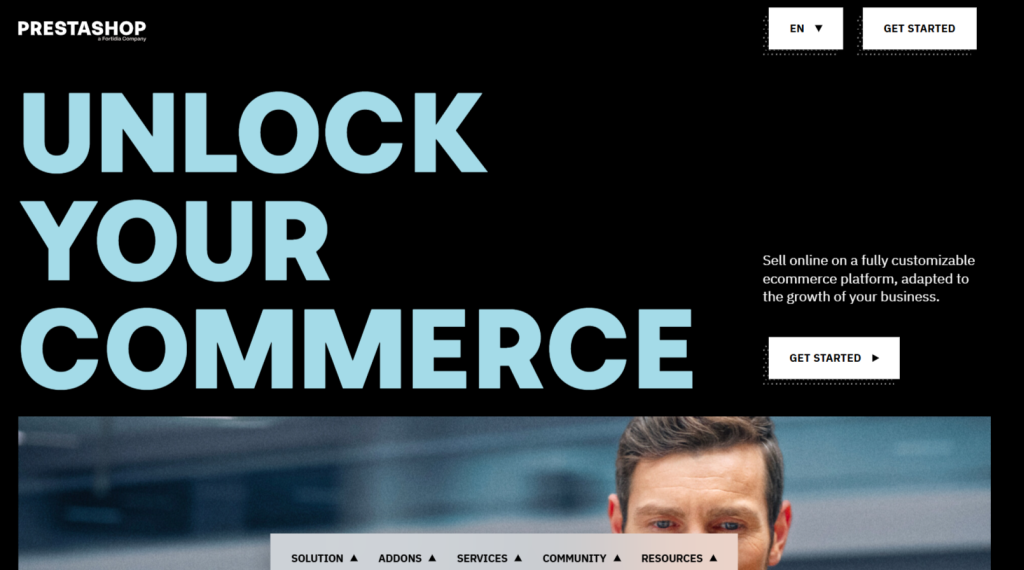
PrestaShop is another open-source ecommerce platform used by thousands of online stores around the world. It includes features like multi-language support, product management, and advanced pricing rules.
Many users choose PrestaShop for its flexibility. You can customize almost anything – from product layouts to shipping rules. There are thousands of free and paid modules to add new tools.
However, using PrestaShop requires time and patience, especially for newcomers during setup or updates. If you want better stability and easier maintenance, we recommend purchasing the PrestaShop Hosted plan.
Benefits of Using PrestaShop
- Great for international stores (multi-language and multi-currency).
- Active marketplace with many modules and themes.
- No extra plugins required to launch a full-featured store.
Drawbacks of PrestaShop
- Setup and configuration can be complex.
- Some features are locked behind paid modules.
- Needs regular maintenance and updates.
My Experience Using PrestaShop
My experience has been good in terms of flexibility. You can tailor almost anything, but you must be patient. Installing modules feels smooth, but upgrades sometimes require developer help. It’s a strong choice for multilingual or global stores.
Pricing
PrestaShop is free. You pay for hosting, paid modules, themes, and optional ‘PrestaShop Hosted.’
3. OpenCart
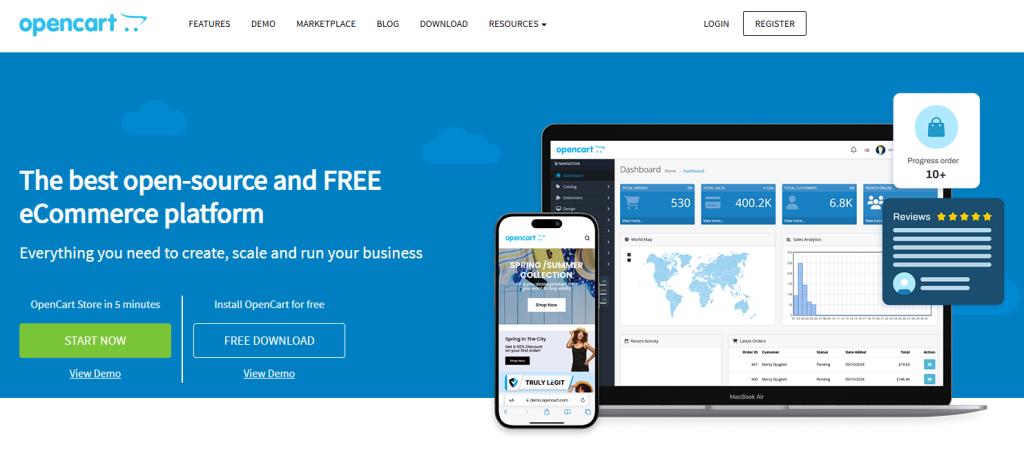
OpenCart is known for being lightweight and easy to run on low-cost hosting. Many small business owners pick OpenCart for its simple admin panel and low server requirements. OpenCart was one of the earliest dedicated ecommerce platforms to gain popularity. At its peak, it became the third most-used solution worldwide, just behind WooCommerce and Magento.
It supports product reviews, multi-store setups, and built-in shipping/payment options. Real users say OpenCart works well for stores with up to a few hundred products.
However, customization can be tricky without coding knowledge. Some users also face issues when installing multiple third-party extensions together. Other than that, its a commendable free open source ecommerce platform even today.
Benefits of Using OpenCart
- Runs well on budget hosting plans.
- Simple admin interface for product and order management.
- No extra tools needed to start selling.
Drawbacks of OpenCart
- Customizing features requires developer help.
- Notable criticism for alleged weak security.
- Some extensions can cause conflicts.
My Experience Using OpenCart
My experience has always been smooth when keeping things simple. The dashboard loads fast, and managing orders or customers is easy. Problems usually arise only when too many extensions are installed together.
Pricing
OpenCart is free to use. Costs come from hosting, paid templates, and third-party extensions.
4. Magento Open Source
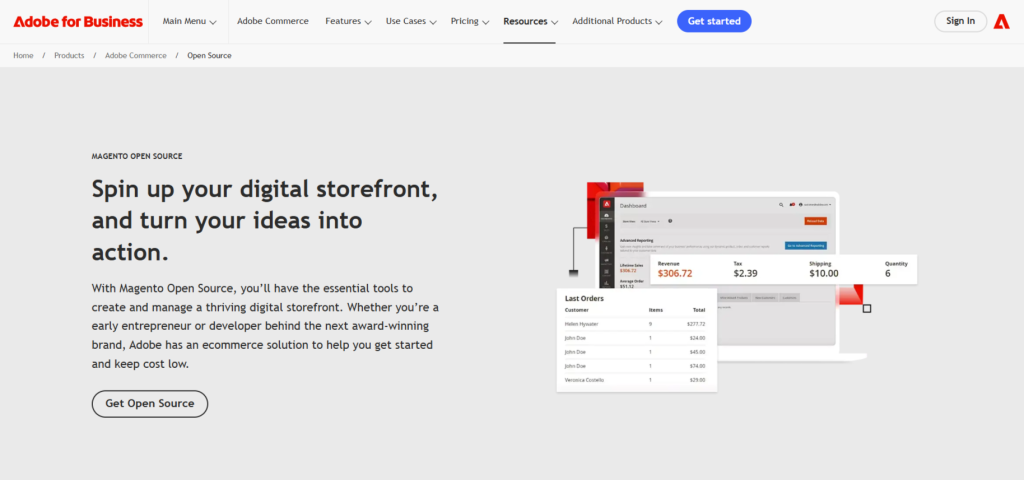
Magento is a professional-grade ecommerce platform. Its open-source version is free and includes tools for inventory management, custom pricing, and advanced marketing rules. After Adobe acquired Magento in 2018, its enterprise version was rebranded as Adobe Commerce.
It’s largely used by enterprises and developers who need full control and effortless scalability. You can manage thousands of products and customize almost every part of the site.
However, it’s resource-heavy and often needs a developer to manage or upgrade properly.
Benefits of Using Magento
- Enterprise features for free.
- Scales well for large product catalogs.
- Highly customizable with developer support.
Drawbacks of Magento
- Requires strong hosting and server setup.
- Very complex to install and maintain.
- Not ideal for beginners or small stores.
My Experience Using Magento
My experience has always been impressive in terms of capability. Magento handles large product catalogs without struggle. The downside is setup difficulty – you need a developer. But once configured, it runs solidly.
Pricing
Magento Open Source is free. Costs come from hosting, developers, and paid extensions.
5. WooCommerce
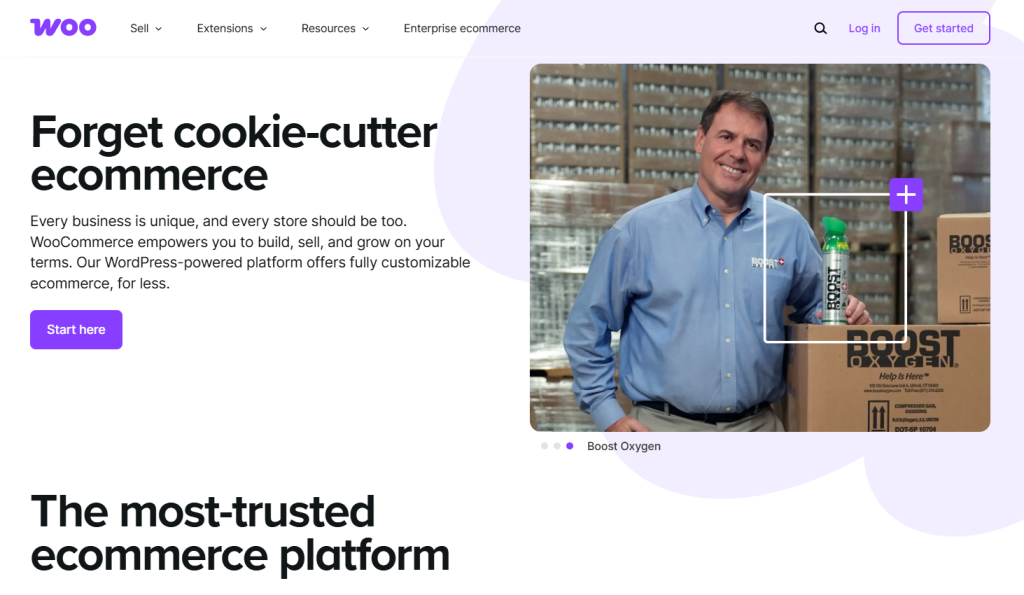
WooCommerce is one of the leading WordPress plugins developed entirely dedicated to ecommerce. It’s one of the most popular tools in the world, with millions of active stores.
People love WooCommerce because it works well with other WordPress themes and plugins. You can add features like memberships, digital downloads, and subscriptions with third-party tools.
However, WooCommerce becomes slower with larger catalogs. It also needs a lot of plugins to add basic features, which can make things harder to manage. Not to mention the added costs for purchasing advanced addons/plugins for features that EasyCommerce offers by default or for free.
Benefits of Using WooCommerce
- Large library of themes and extensions.
- Active support community and tutorials.
- Easy for existing WordPress users.
Drawbacks of WooCommerce
- Performance issues with large stores.
- Needs multiple plugins for full features.
- It can become overwhelming to manage over time.
My Experience Using WooCommerce
My experience has been mixed. It’s great for small stores since everything just plugs in. But once the store grows, performance dips become noticeable. You spend more time optimizing and managing plugins than focusing on the store.
Pricing
WooCommerce is free. Costs come from hosting, paid extensions, and premium themes.
6. Joomla + VirtueMart
VirtueMart is an open-source and free ecommerce extension for the Joomla CMS. It allows you to create a shop on top of an existing Joomla site. While not as popular today, it still has a loyal user base.
It includes basic ecommerce features like product catalogs, shopping cart, checkout process to more advanced ones like multi-currency, custom fields & product variants, group pricing, etc.
Altogether, Joomla + VirtueMart is a reliable option for small to medium stores, especially if they already use Joomla. However, Joomla and VirtueMart are not updated as frequently as other platforms. This can limit your options if you want modern designs or features.
Benefits of Using Joomla + VirtueMart
- Works well for Joomla fans.
- Supports physical and digital product sales.
- Simple for small-scale stores.
Drawbacks of Joomla + VirtueMart
- Smaller community and fewer resources.
- Fewer modern features and themes.
- Limited compatibility with newer tools.
My Experience Using Joomla + VirtueMart
My experience has been decent for basic stores. The product system works fine, and checkout is stable. But design customization feels outdated, especially compared to WordPress or Shopware.
Pricing
VirtueMart is free. You only pay for Joomla hosting, themes, and any paid extensions.
7. Drupal Commerce
Drupal is a powerful content management system, much like WordPress. It’s best known for building websites with a lot of pages, user roles, and advanced permissions. You can sell physical or digital products, manage carts and checkouts, and even set up taxes and shipping options.
One of the best things about Drupal Commerce is its flexibility. You’re not limited to a fixed store layout or checkout process. With the right skill, everything can be customized, extended, or restructured.
Benefits of Using Drupal Commerce
- 100% free and open-source
- Strong for content-rich ecommerce sites
- Very flexible and customizable
- Large community and professional support available
- Good for advanced user roles and permissions
Drawbacks of Drupal Commerce
- Steep learning curve for beginners
- Requires more time to set up than WooCommerce
- Fewer ready-made themes and plugins compared to WordPress
- Not ideal for small or simple online stores
My Experience Using Drupal Commerce
My experience has been strong when building content-heavy stores. Combining articles, product pages, and user roles feels natural with Drupal. But setup is lengthy, and you need developer knowledge to get the best results.
Pricing
Drupal Commerce is free. Costs include hosting and developers for customization.
8. Spree Commerce

Spree Commerce is a Ruby on Rails–based ecommerce framework known for being fast and highly customizable. Many mid-size brands still use it because it lets developers build very tailored storefronts. It comes with multi-store support, promotions, product variants, and API-based architecture, which makes it great for headless setups.
Spree is more developer-focused than beginner-friendly. If you have a developer or agency, you can build almost any kind of ecommerce experience with it. Many users prefer it for scalable and international stores.
Benefits of Using Spree Commerce
- Fully open-source and actively maintained
- Works great for headless or API-driven stores
- Powerful multi-store and multi-language support
- Ideal for complex product structures
- Good for long-term scalability
Drawbacks of Using Spree Commerce
- Requires Ruby on Rails knowledge
- Installation takes more time than PHP-based platforms
- Smaller plugin ecosystem compared to WooCommerce or Shopify apps
My Experience Using Spree Commerce
My experience has been smooth once the server is set up. The framework feels fast, and customizations are clean because Rails encourages structured coding. But it’s definitely not a “click-and-launch” type of tool. You need a developer to unlock its real potential.
Pricing
Spree Commerce is completely free. You only pay for hosting, developers, and any custom features you want built. Check out their pricing for enterprise level upgrade.
9. Shopware Community Edition (CE)
Shopware CE is a PHP-based open-source ecommerce platform that’s gaining popularity across Europe. Many brands choose it because of its modern design, strong product management system, and built-in marketing features like product stories and shopping experiences.
The Community Edition is feature-rich for a free version. It supports multi-currency, SEO tools, detailed product structures, and clean storefront layouts. It’s widely used for mid-size catalogs and stores that want strong design flexibility.
Benefits of Using Shopware CE
- Modern interface and strong built-in marketing tools
- Flexible product catalogs and variant handling
- API-friendly for headless ecommerce
- Strong adoption in Europe and growing globally
- Active open-source community
Drawbacks of Using Shopware CE
- Heavier server requirements compared to OpenCart
- Documentation can feel scattered for beginners
- Paid plugins can become expensive
My Experience Using Shopware CE
My experience with Shopware has been great from a usability perspective. The admin feels cleaner than most open-source tools, and product management is very organized. But hosting needs to be slightly stronger, otherwise performance drops.
Pricing
Shopware CE is free. Optional enterprise services has three uniquely named pricing plans called the Rise, Evolve and Beyond.
10. Solidus

Solidus is a fork of Spree Commerce that focuses more on stability and enterprise-grade features. It’s also built on Ruby on Rails and is widely used by mid-size and large retailers that want long-term control over their ecommerce system.
Solidus is known for strict coding standards and predictable updates. It’s not a beginner tool, but developers love its clean architecture. It supports advanced inventory control, multi-warehouse setups, custom order flows, and deep integrations.
Benefits of Using Solidus
- Enterprise stability with an open-source license
- Highly customizable with developer-friendly architecture
- Strong inventory and order management
- Great for large and complex product catalogs
- Well-maintained by an active core team
Drawbacks of Using Solidus
- Requires Rails expertise
- Limited ready-made themes and extensions
- Setup and deployment take time
My Experience Using Solidus
Solidus feels more refined in structure than Spree. The order and inventory modules are stronger, which makes it reliable for complex catalogs or multi-warehouse situations. But again – you need a Rails developer. It’s not aimed at newcomers.
Pricing
Solidus is free under an open-source license. Enhanced functionality requires upgrading to custom quoted plans.
What to Look for in a Free Open-Source Ecommerce Platform

When choosing an ecommerce platform, here are a few things to check:
- Ease of Use: As a businessman, you won’t like to spend hours managing your website. That’s why you choose a platform where managing products, orders, and customers is easy and fun.
- Hosting Needs: Make sure your hosting meets the platform’s requirements, as poor performance can slow down your business growth.
- Community and Support: Open-source platforms are mostly managed by the community members. So, the bigger the community, the higher the chance of getting your problems solved.
- Extensions and Plugins: Your chosen open-source ecommerce platform should offer a rich library of plugins and addons to meet your needs.
- Performance: When running a business, performance and security are always non-negotiable.
It’s not all about just features when choosing an ecommerce platform. Consider the daily time and effort needed to manage your store.
Final Verdict
Open-source ecommerce platforms have become a popular choice for small to medium-sized businesses, especially those working with a limited budget and specific needs. The best part? Most of these platforms are completely free to use.
These platforms can be from both in and outside the WordPress ecosystem. The key is to pick the one that fits your business goals, technical skills, and future plans.
If you’re looking for a platform that’s fast, doesn’t slow down as your store grows, and includes everything in one place, EasyCommerce is worth a look. It’s a newer alternative to WooCommerce, designed to run smoother and perform better right from the start.
Build, Grow & Sell Smarter with EasyCommerce
Join our inner circle community for the latest ecommerce tips, AI insights, & updates.
Frequently Asked Questions
Open-source platforms give you full control over your store’s features, code, and hosting. You install them on your own server. Hosted platforms (like Shopify or Wix) manage everything for you, but they often charge monthly fees and limits customization.
Yes, the software itself is free to download and use. But you’ll still need to pay for things like web hosting, domain name, SSL certificate, and optional themes or extensions.
Platforms like EasyCommerce and OpenCart are simpler and more beginner-friendly. They require less setup time and fewer technical skills compared to options like Magento or Drupal Commerce.
Yes, but it can take time and effort. You’ll need to migrate your product data, customer records, and design. That’s why it’s good to choose a platform that can grow with your business from the start.
Not always. Some platforms like EasyCommerce or WooCommerce let you run a store with little to no coding. Others, like Magento or Drupal Commerce, work best if you (or someone on your team) have development skills.