Support
 Docs
Docs Roadmap
 Changelog
Inventory Management
Never Oversell Again
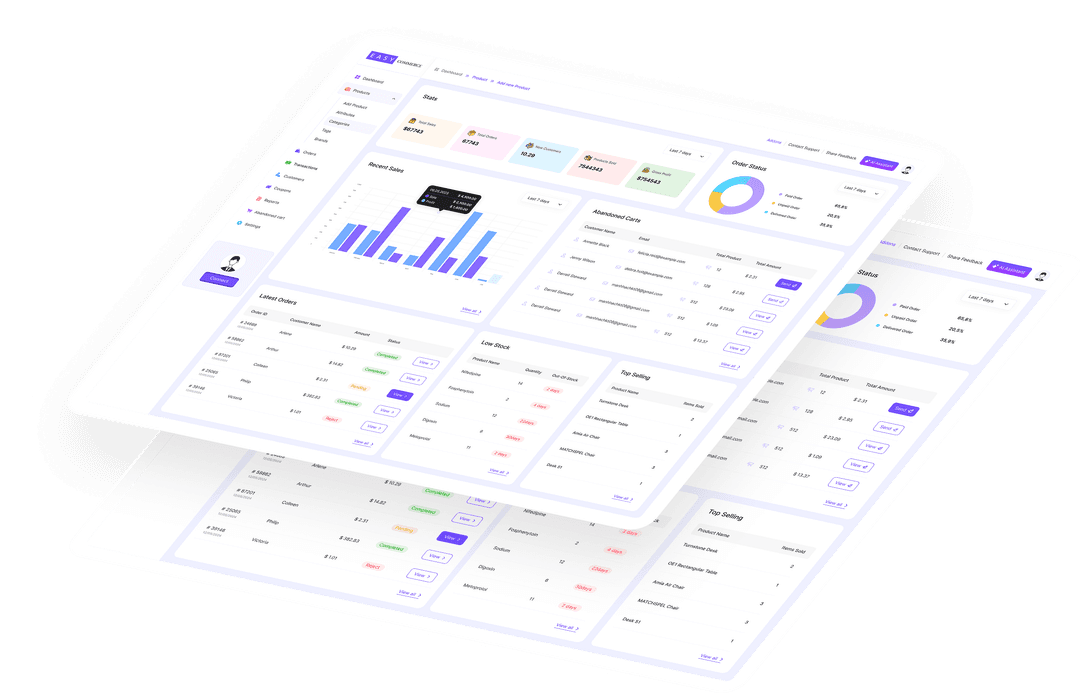
Real-time stock tracking, low-stock alerts, and clear status labels
keep your inventory accurate as every order comes in.

Real-time inventory tracking helps stores prevent overselling and the refunds and chargebacks that follow.
- EasyCommerce
Real-Time Stock
Tracking
Stock levels update the moment a sale happens. Every order reduces available quantity instantly, and refunds or cancellations add it back automatically, so your numbers are always current.
No spreadsheets, no manual reconciliation. EasyCommerce keeps each product and each variation in sync with what is actually selling.

Low-Stock Alerts
Before You Run Out
Set a low-stock threshold for any product and let EasyCommerce watch it for you. When stock dips to that level, you get an email notification so you can reorder in time.
Stop losing sales to surprise stockouts. Know exactly when to restock your best sellers, before customers ever see an out-of-stock label.

Control What
Shoppers See
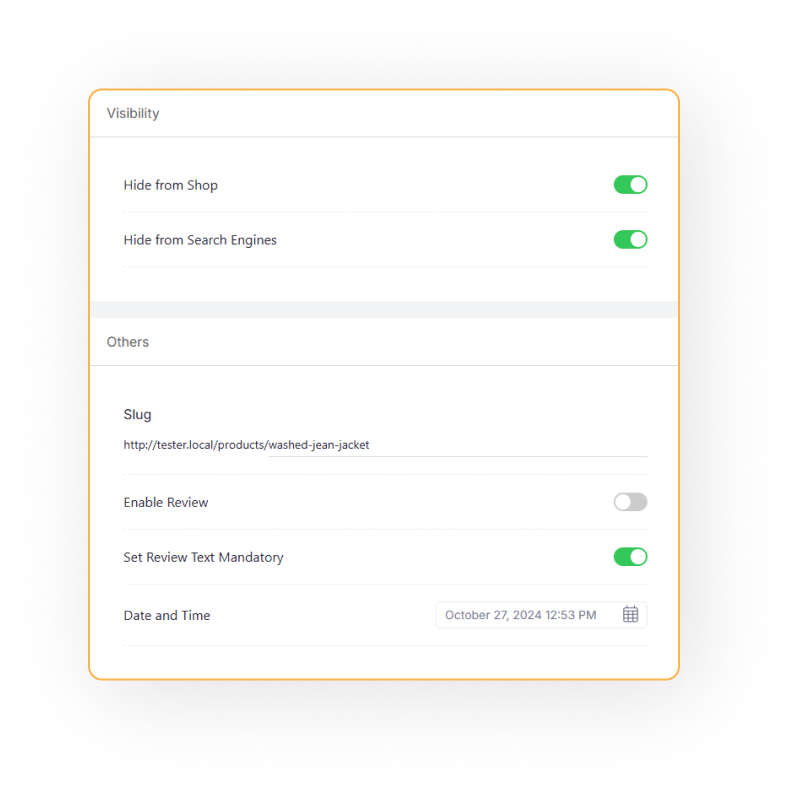
Show clear stock status on every product: In Stock, Low Stock, or Out of Stock. Choose to display the exact remaining quantity to create urgency, or hide it entirely.
Automatically hide out-of-stock products from the storefront, or keep selling with optional backorders when you can still fulfill.
Inventory Control at a Glance
Everything you need to track stock and never disappoint a buyer.
Real-Time Sync
Stock updates instantly with every sale, refund, and cancellation.
Low-Stock Alerts
Email notifications when a product drops below your threshold.
Stock Status
Show In Stock, Low Stock, or Out of Stock on every product card.
Backorders
Keep selling out-of-stock items when you can still fulfill them.
Per-Variation Stock
Track quantity separately for each size, color, or variation.
Stock Visibility
Show the exact quantity to create urgency, or hide it from shoppers.
Frequently Asked Questions
How does stock update when an order is placed?
How do low-stock alerts work?
Can I sell when an item is out of stock?
Can I hide the exact stock quantity from customers?
Start Selling with EasyCommerce for Free!
Your ecommerce success starts with a beautifully designed online store. Get everything you need to launch, grow, & thrive with EasyCommerce.