Support
 Docs
Docs Roadmap
 Changelog
Product Management
Take Complete Control
of Your Inventory
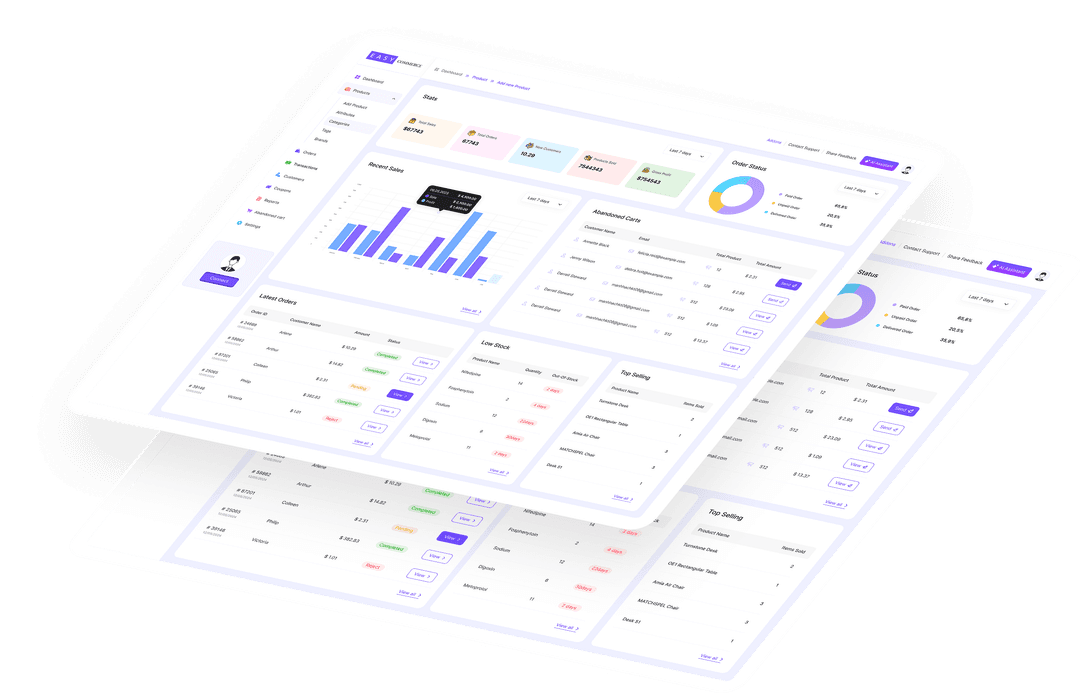
Access powerful tools to manage your inventory, track product performance
and streamline updates, all-in one place with EasyCommerce.

25% of retailers report challenges in gaining full visibility into their inventory, making it harder to optimize stock levels and meet customer demand.
- Firework
Streamlined Design for Easy Product Control
Stay organized and in control with dedicated tables for product details, attributes, and pricing. Quickly access, edit, and update information without the clutter of complex interfaces
The clean, streamlined design makes it easy to provide accurate information and respond to changes like pricing adjustments or seasonal updates.

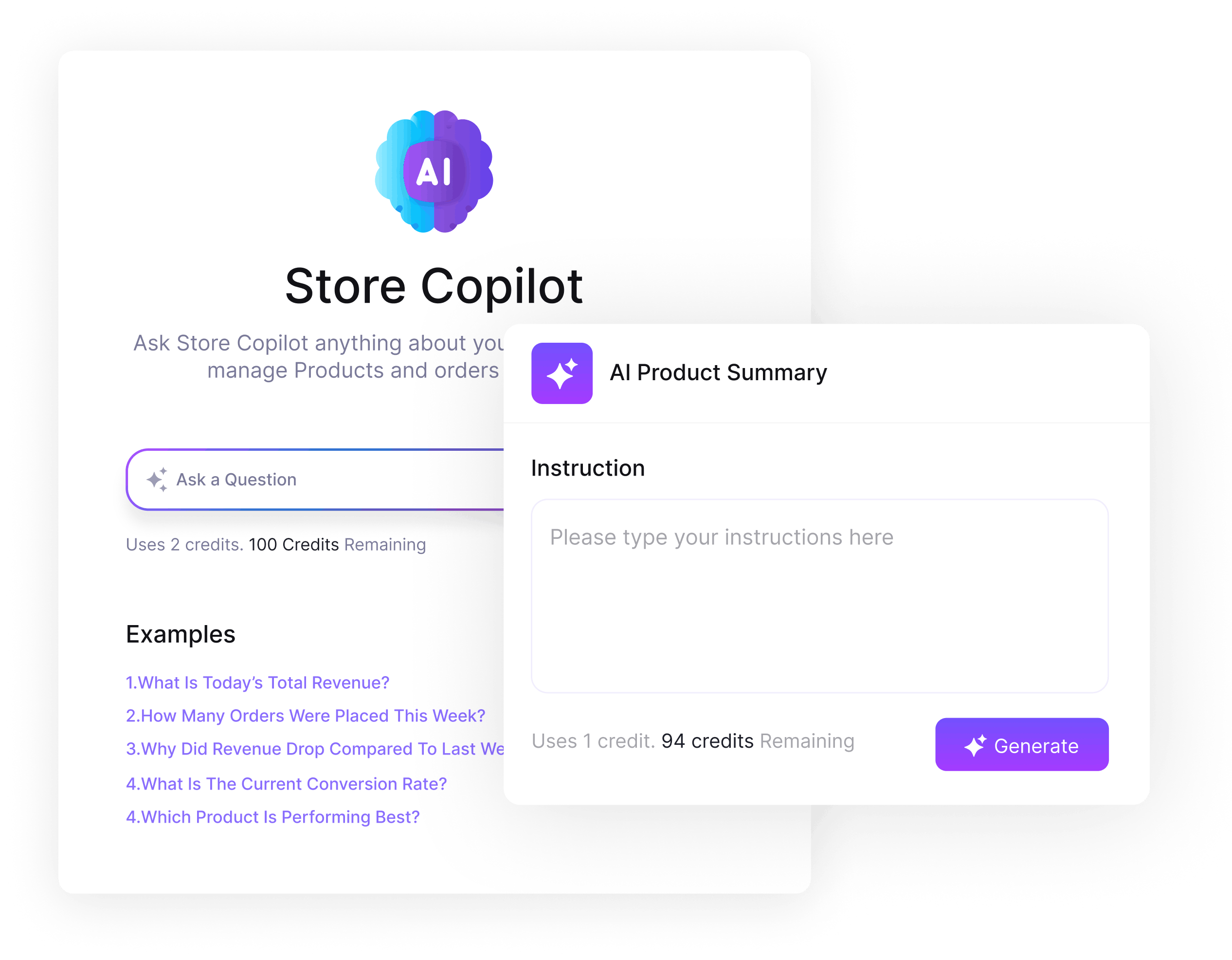
AI-Powered Smart Assistance
Use AI to generate product descriptions and short summaries with one click. It saves time and removes the need to write repetitive content for each product.
The AI assistant is designed to help shop owners with everyday tasks. From setting up your store to adding a tax class, just ask the built-in chatbot for guidance.
Coming soon: AI-generated reports, product suggestions, and more.
Attributes, Tags, and Brands in One Place
Take a better approach to organizing your products. Create and save reusable attribute sets, so you don’t have to build the same options every time.
Quickly assign tags and connect products to brands while adding them. This keeps your catalog well-structured and helps customers browse by category, trend, or brand.

Effortlessly Cater to Multiple Product Types
Easily determine product types with tools designed to handle both digital downloads and physical goods. Configure and manage settings for shipping, stock levels, or file delivery without any additional steps.
Focus on growing your catalogs and expanding into new product categories without worrying about technical limitations or setup delays.

Get Bespoke Templates for Every Product
Showcase your products in their best light with ready-made templates tailored to individual items. Choose unique layouts highlighting specific features, emphasizing key selling points, or differentiating product categories.
Elevate your product presentation and upgrade the customer browsing experience by making every product stand out.

Build Trust with Product
Reviews and Ratings
Let customers leave star ratings and written reviews on your product pages. Verified purchase badges show other shoppers the review comes from a real buyer, increasing confidence and conversion rates.
Aggregate ratings display on product cards across your shop. Fresh review content also improves SEO automatically, attracting more organic traffic over time.
Import Your Entire Catalog
via CSV in Minutes
Have hundreds or thousands of products? Upload a CSV file to bulk-import your entire catalog at once. The importer handles large files via background queue processing, no timeouts, no manual entry.
Map your CSV column headers to EasyCommerce fields, and the importer handles attributes, variations, and images via URL. Your catalog appears in the background while you keep working.
Step-by-Step Guide to Add New
Products on EasyCommerce
Quickly and easily upload product details, set pricing, and manage inventory in just a few clicks with EasyCommerce
Open Products
Go to Store > Products from your dashboard.
Add New Product
Click + New Product to start filling out the basics.
Enter Details
Add a title, summary, images, category, brand, and slug.
Add Attributes
Create or select attributes like size, color, or material.
Set Price & Stock
Choose product type, add price, stock, and SKU.
Choose Layout & Publish
Pick a layout and click Publish to go live.
Frequently Asked Questions
What types of products can I sell with EasyCommerce?
Does EasyCommerce support inventory tracking?
Can I categorize and organize my products?
Is there a way to track product performance?
Start Selling with EasyCommerce for Free!
Your ecommerce success starts with a beautifully designed online store. Get everything you need to launch, grow, & thrive with EasyCommerce.