Support
 Docs
Docs Roadmap
 Changelog
Store Mode
Build in Private, Launch When You're Ready
Toggle your whole store between Test and Live from the WordPress admin bar.
Build and QA in private, then go live the moment you are ready.

A botched launch is expensive. Test mode lets you perfect every page, price, and payment flow before a single customer sees your store.
- EasyCommerce
One Toggle, Right in the Admin Bar
Store Mode lives in the WordPress admin bar, visible on every page. Flip your entire store between Test and Live with a single click, no settings page to hunt through, no code, no maintenance plugin.
Test mode is the perfect staging state for a brand-new store, a seasonal redesign, or a big catalog update: get everything right before the public sees it.
Shoppers See a Maintenance Page,
You See the Whole Store
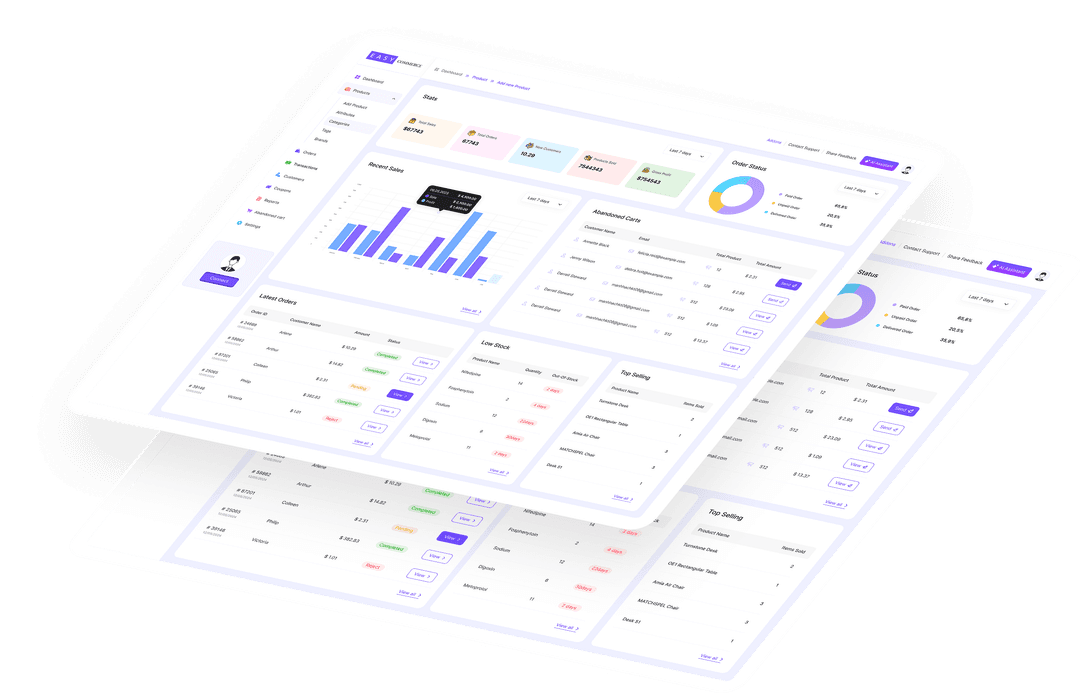
While you are in Test mode, logged-in admins browse the storefront, run test checkouts, and preview every template exactly as customers will. Everyone else is shown a clean maintenance page instead.
That means you can validate products, pricing, shipping, tax, and the full payment flow on the live site, with zero risk of a real shopper stumbling into a half-finished store.
Go Live With One Click,
No Data Left Behind
When everything checks out, flip the toggle to Live and your store opens to the world instantly. Nothing is rebuilt or migrated: the same products, orders, and settings you tested are exactly what customers get.
Need to pause again later? Switch back to Test any time. The mode is stored as a simple store option, so it is always reversible.
Why Store Mode Matters
Launch with confidence, and keep control after you go live.
Admin-Bar Toggle
Switch the whole store between Test and Live from one control on every page.
Private by Default
Test mode shows shoppers a maintenance page while admins preview the real store.
Test on the Real Site
QA products, pricing, shipping, tax, and checkout live, before a customer ever can.
No Data Loss
Switching modes changes only visibility. Products, orders, and settings stay intact.
One-Click Launch
Flip to Live and the store you tested opens to the world, instantly and unchanged.
Always Reversible
Go back to Test whenever you need to. The mode is a simple, freely toggled setting.
Frequently Asked Questions
What is Test mode?
Where do I switch between Test and Live?
Do I lose any data when I switch modes?
Can customers place orders while in Test mode?
Start Selling with EasyCommerce for Free!
Your ecommerce success starts with a beautifully designed online store. Get everything you need to launch, grow, & thrive with EasyCommerce.