


Home » Getting Started » Install and Activate Addons on Your Website
If you’ve already installed and activated the EasyCommerce, just go to EasyCommerce > Addons to enable the addons.
Free Addons
To activate free addons, just head over to EasyCommerce > Addons.
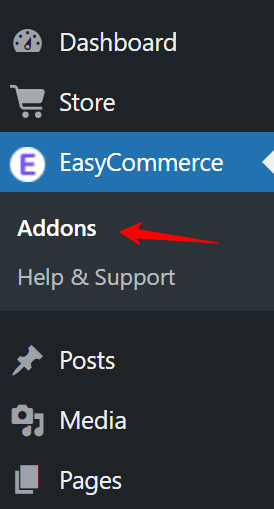
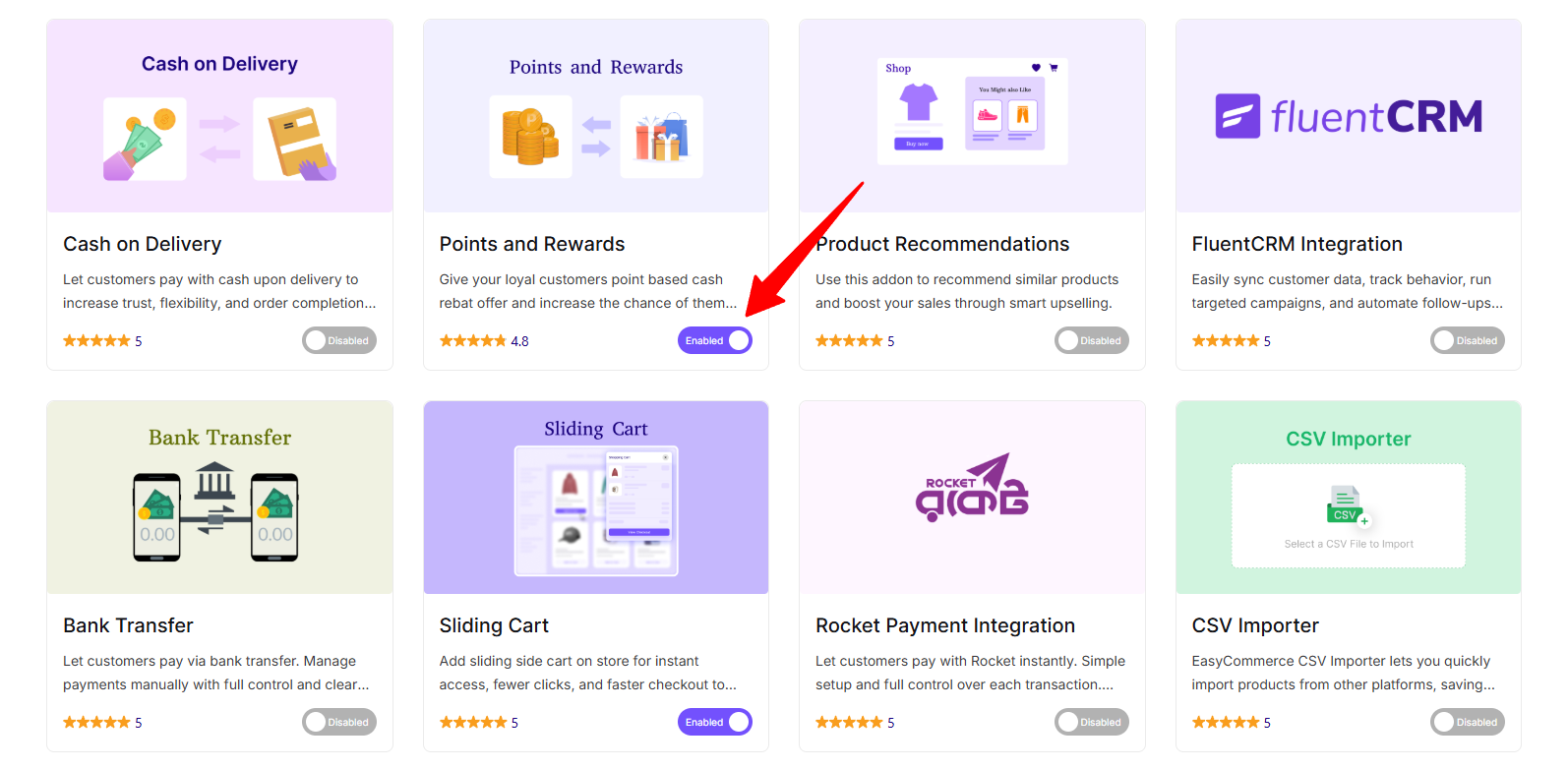
From there, you’ll see a list of available addons. Simply click Enabled for the ones you want to use.
Premium Addons
Premium addons require a license key. Here’s a detailed guide on how to purchase the Pro version of any premium addon.
If you’ve already purchased the Pro version, you can find your license key in your EasyCommerce Dashboard. Then follow these simple steps:
- Go to EasyCommerce > Pro from your WordPress dashboard.
- Locate the Activate License section.
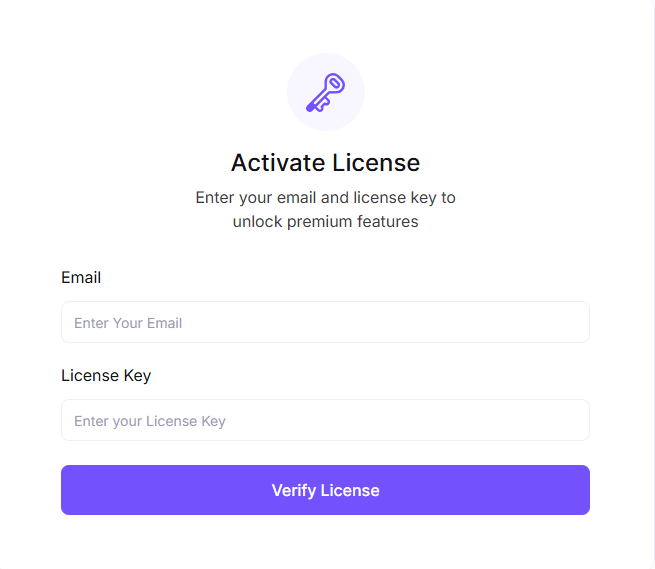
- Enter your Email and License Key in the provided fields.
- Click Verify License.
Now you can use the premium addon by clicking Enable.
Need Help?
If you run into any issues while activating an addon, feel free to post in the community or reach out via our support channel.
Was this doc helpful?